Table of Contents
{$page}
IIS (Internet Information Server) is a group of Internet servers (including a Web or Hypertext Transfer Protocol server and a File Transfer Protocol server) with additional capabilities for Microsoft's operating systems.
Installing IIS v8.0 on Windows 8
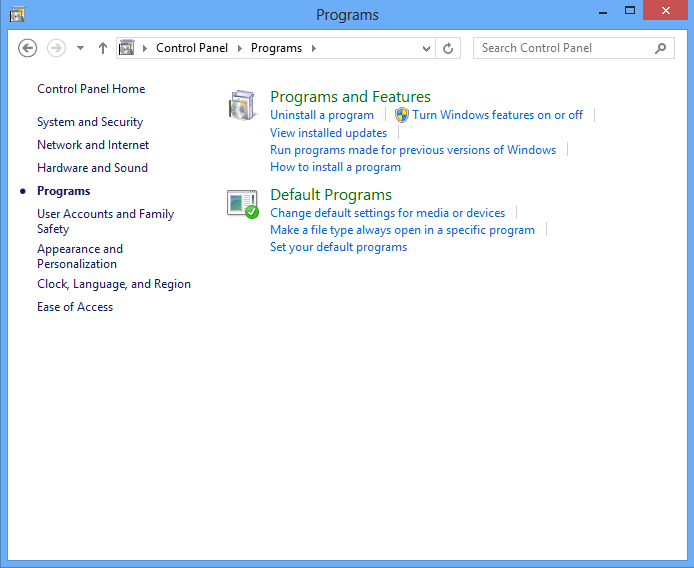
- Step: Open Control Panel then click on Programs.

- Step: Turn Windows features on and off.
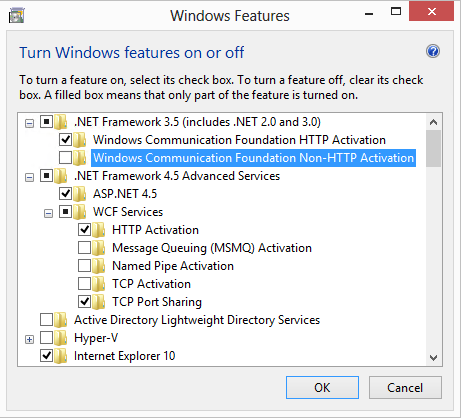
- Step: .NET 3.5 and 4.5 - Check these two features and ensure the following options are selected then click Next.
- .NET Framework 3.5 (Includes .NET 2.0 and 3.0)
- Windows Communication Foundation HTTP Activation
- NET Framework 4.5 Advanced Services1.ASP.NET 4.5
- WCF Services1.HTTP Activation
- TCP Port Sharing
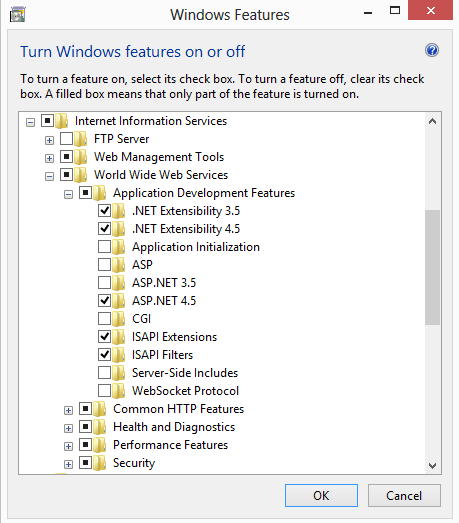
- Step: Internet Information Services.
- Click on Internet Information Services and confirm the proper features are selected.
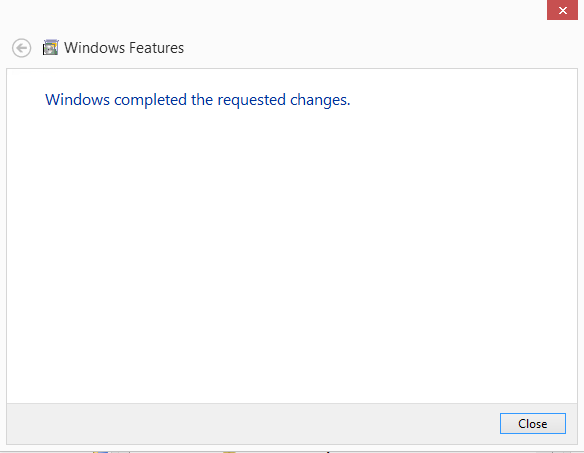
- Step: IIS Installed.
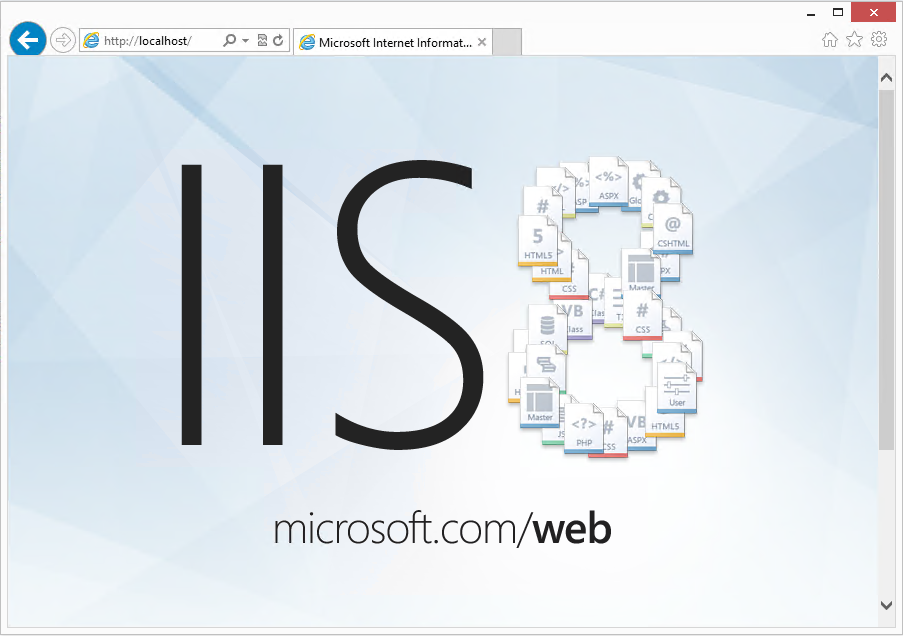
Verifying IIS v8.0 has been successfully installed
- Click Start then Internet Explorer.
- Browse to http://127.0.0.1 or http://localhost
- If successfully opened, IIS has been installed.
- If the page happens to load up blank you will need to enable serving of Static content located under Internet Information Services - World Wide Web Services - Common HTTP Features - Static Content in the same Add/Remove Windows Features list.
See Also
- Backlinks include_pagepage_componentbacklinks