Table of Contents
Troubleshooting Checklist
- Is the customer authorized for the Credit Card and Cyrious Cloud Connector modules?
- Is the customer's HomeGate connected?
- Is the customer's HomeGate (Cyrious Cloud Connector service) running?
- Do the links being sent out pull up a checkout page?
- Does the customer have CCPS configured properly?
- Does the customer have valid email addresses in their CCPS configuration?
- Do the customer's links use the correct Cloud Root Path?
Common Issues

In this situation, when you click the Enable Online Payments with Cyrious Payment CloudApp and FreedomPay (CCPS) checkbox, the Terminal ID, Store ID, and email fields are still read only.
SOLUTION:
- Verify that the CreditCard_Module_Authorized UDF in internal Control is checked.
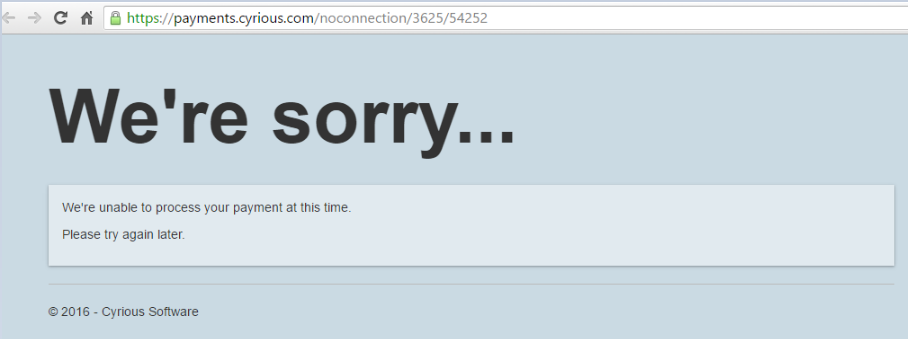
This error appears as soon as you click the Pay Online button on an order/service ticket. You'll notice that the URL quickly changes from displaying the customer's RootPath to displaying “noconnection” where the RootPath would normally be.
SOLUTION:
- Verify that Homegate is running.
- Verify that the Terminal ID and Store ID have been entered in Setup > System Setup > Credit Card Options.

This error appears when you click the Pay Online button on an order/service ticket. It typically takes about 10 seconds before the page renders with the error message.
SOLUTION:
- Disconnect from CloudCity and restart Homegate.
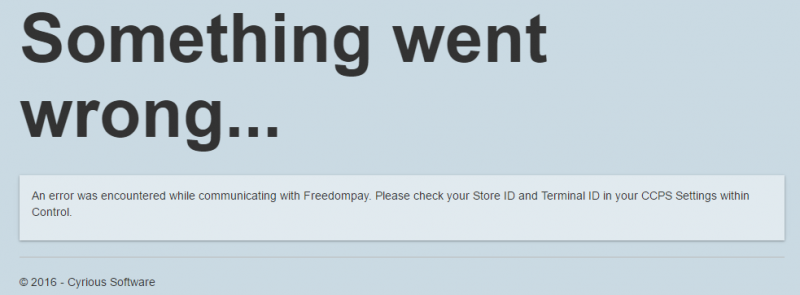
ISSUE #1: This error appears when you click the Pay Online button on your order/service ticket but you have Cyrious' TEST Terminal ID and Store ID credentials entered in Control.
SOLUTION:
- Since the Pay Online button will send you to the live HPP page but you are using test credentials, you need to add the word “test” to the beginning of the URL.

ISSUE #2: This error can also appear when you click the Pay Online button on your order/service ticket and you have LIVE Terminal ID and Store ID credentials entered in Control. Check the CCPS.Logs table.
CreateTransaction Request/Response Generated:
{“AddressRequired”:true,“CaptureMode”:true,“StoreId”:“14255950”,“TerminalId”:“24269290”,“TransactionTotal”:102.5500,“RequestToken”:false,“TokenValue”:null,“InvoiceNumber”:“1182”,
“MerchantReferenceCode”:“10000”,“BillingAddress”:null,“PurchaseItems”:[{“Description”:“Wide Format Prints”,“DisplayOrder”:0,“Price”:94.3000,“Quantity”:1.0000}],
“InvoiceItems”:[{“DisplayOrder”:0,“IsVisible”:true,“Label”:“Subtotal”,“Value”:“94.30”},{“DisplayOrder”:1,“IsVisible”:true,“Label”:“Taxes”,“Value”:“8.25”}]}
{“ResponseMessage”:“Internal Error, check store configuration”,“CheckoutUrl”:null,“TransactionId”:“00000000-0000-0000-0000-000000000000”}
SOLUTION: If the above error shows in the CCPS.Logs table for the customer that's having the issue, more than likely their FreedomPay account was setup incorrectly.
- Copy the error message from the CCPS.Logs table (\\CyriousDB\Cyrious [this is an internal Database]) and email it totechsupport@freedompay.com. Include the customer's name and details of the issue.
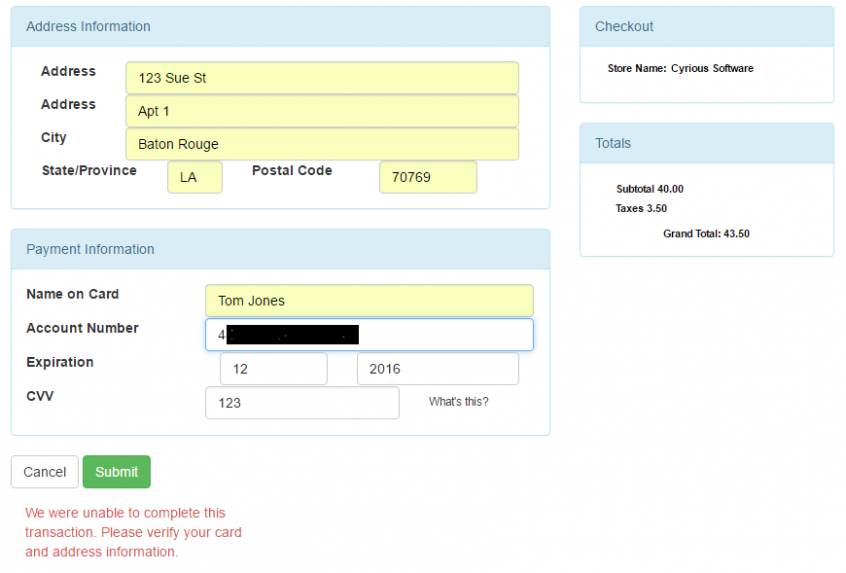
This error will often appear when the first credit card is processed through FreedomPay.
SOLUTION:
- Email Ed Moore at Capital Q letting him know the situation. He'll be able to run test to determine the issue and get with FreedomPay to fix the AVV and/or CVS code settings on the customers's account.
- The customer may just be entering incorrect information in the fields. Depending on the Control user's settings, entering the wrong zip code or address may result in this error message.
Source
Contributor: Cyrious Software
Date: 08/29/2016
Version: Control 05.70
See Also
- Backlinks include_pagepage_componentbacklinks